

You have the venue, the date is set, and your guest list is finally ready. Now comes the tedious part: inviting 500+ friends and family members.
In the age of digital weddings, WhatsApp is the preferred method for sending invitations. It’s fast, direct, and ensures people actually see your message. But there is a hidden nightmare that many couples face: getting their WhatsApp number banned in the middle of sending invites.
If you send too many messages too quickly, WhatsApp’s anti-spam filters will flag your account, potentially locking you out of your primary number weeks before your big day. The good news? You can send bulk invites safely if you follow the right rules. Here is how to manage your guest list, secure your RSVPs, and keep your number safe using tools like WAppMaster Wedding Edition.
Why Does WhatsApp Block Wedding Invites?
To avoid getting blocked, you first need to understand what triggers the ban. WhatsApp is designed to prevent spam and bots. When you start sending wedding invites, you often inadvertently mimic bot behavior by:
- High Velocity: Sending 100 messages in under a minute.
- Identical Content: Sending the exact same text string and image file to hundreds of people without variation.
- Unsaved Contacts: Messaging a large volume of numbers that do not have your contact saved in their address book.
To the algorithm, an excited groom sending invites looks exactly like a spammer selling fake watches.
5 Rules to Send Bulk Invites Safely
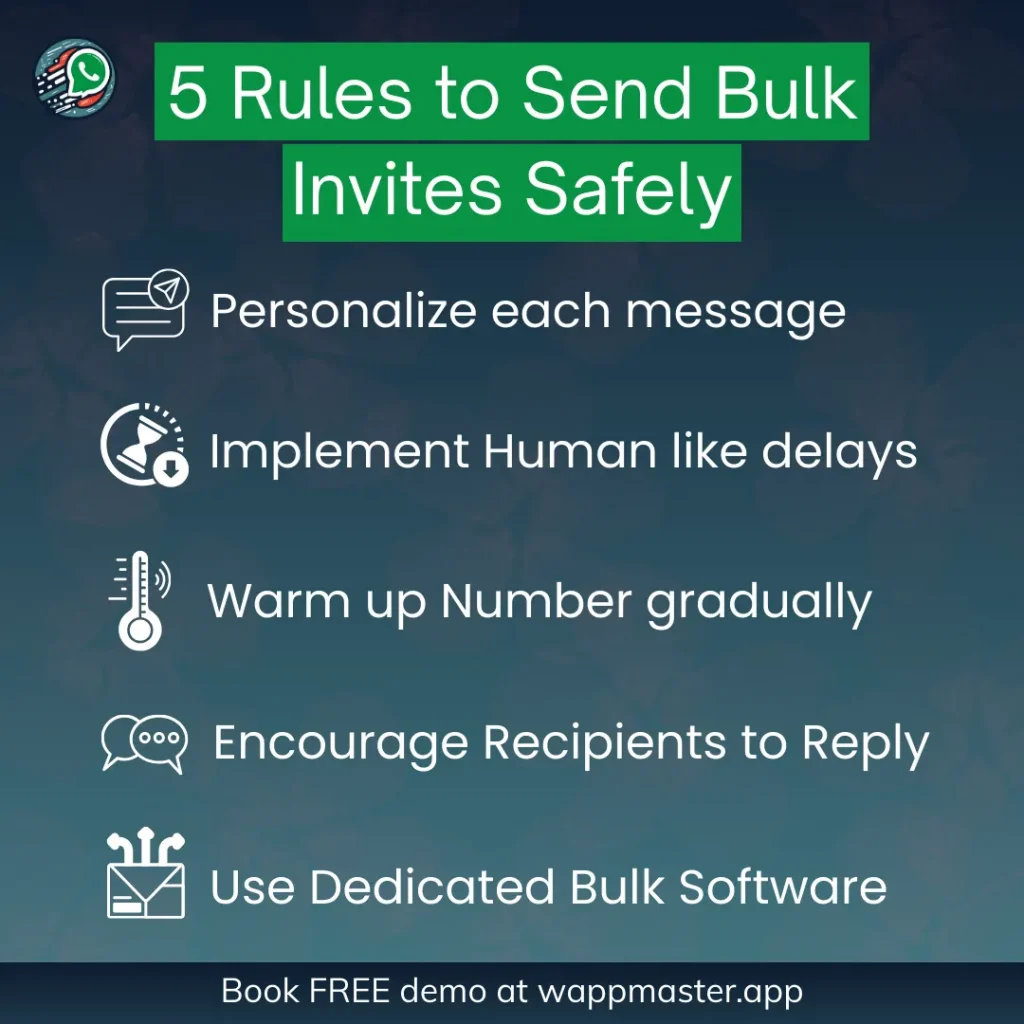
Whether you are doing this manually or using software, these are the golden rules of “Anti-Ban” safety.
1. Personalization is Key
Never send the exact same message to everyone. WhatsApp looks for patterns. By including the guest’s name in every message (e.g., “Hi Rahul, we invite you…” vs. “Hi Sarah, we invite you…”), you change the digital hash of the message, making each one unique.
2. The “Human” Delay
Humans cannot type and send a message in 0.1 seconds. If your messages are flying out instantly, you will get flagged. You must introduce a random time delay between messages (e.g., waiting 10 to 20 seconds between sends).
3. Warm Up Your Number
If you just bought a new SIM card for wedding RSVPs, do not send 500 messages on Day 1. Start with 20, then 50, then 100. “Warming up” the number builds trust with WhatsApp servers.
4. Encourage Replies
Spam is a one-way street; conversation is a two-way street. If your guests reply to your message (even just a “Congrats!”), it signals to WhatsApp that you are a trusted contact.
5. Use Specialized Software (Don’t Copy-Paste)
Manually copy-pasting to 500 people is not only exhausting, but it also leads to mistakes. This is where dedicated wedding tools come in.
The Solution: WAppMaster Wedding Edition
Sending invites manually is stressful. Managing the responses is even harder. WAppMaster Wedding Edition was built specifically to solve these two problems: Safety and Organization.

Here is how WAppMaster handles the heavy lifting for you:
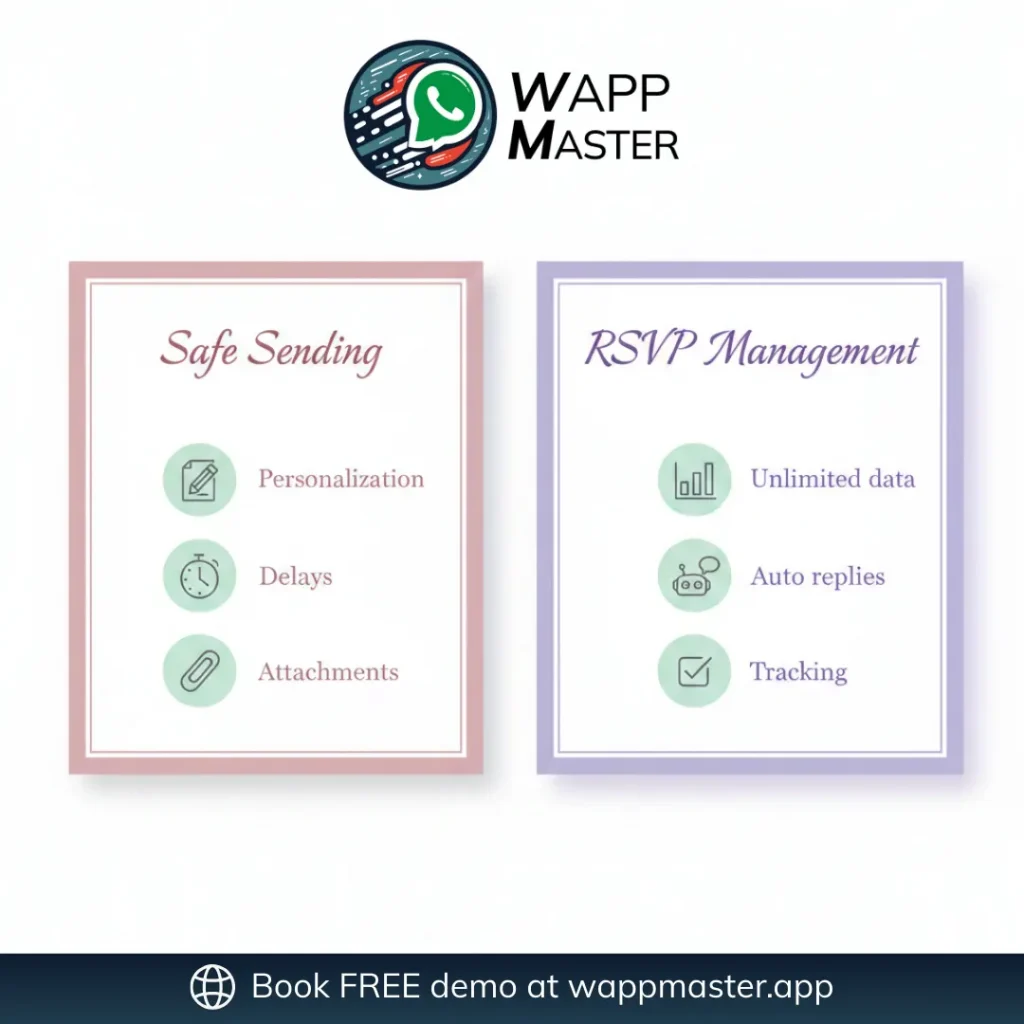
Feature 1: Safe Guest Invitation Sending
We have integrated “Anti-Ban” technology directly into the software so you don’t have to worry about the technical details.
- Variable Sending: Automatically inserts guest names from your Excel sheet into the message, ensuring every invite is 100% unique.
- Smart Delays: The software mimics human typing speeds, adding random pauses between messages so your account stays safe.
- Bulk Attachment Support: Send your beautiful PDF or Image invitation card along with the text seamlessly.
Feature 2: Unlimited RSVP Management
Sending the invite is only half the battle. Now you have hundreds of people replying “Yes,” “No,” “Maybe,” or asking about the dress code.
- Forget Spreadsheets: WAppMaster tracks responses automatically.
- Unlimited RSVPs: Whether you have 50 guests or 5,000, the system handles the influx of data without crashing.
- Auto-Replies: Set up automated responses for common questions (e.g., “Here is the Google Maps location for the venue”).
Step-by-Step: How to Launch Your Wedding Campaign
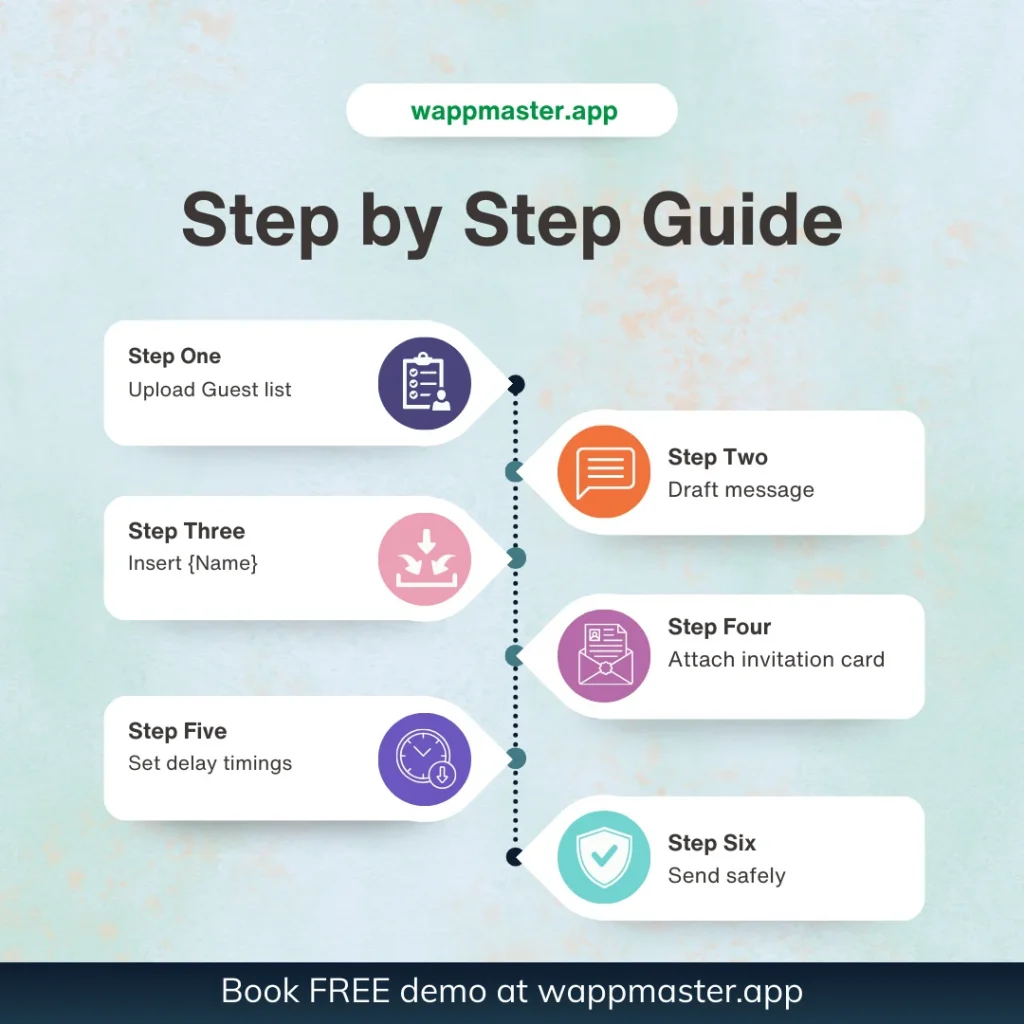
Here is how easy it is to get started with WAppMaster Wedding Edition:
- Prepare Your List: Export your guest list to an Excel or CSV file. Make sure you have a column for names and a column for mobile numbers.
- Import to WAppMaster: Upload your list. The software will automatically detect the columns.
- Draft Your Message: Type your invitation.
Use the {Name} variable tag to automatically insert the guest’s name.
Example: “Namaste {Name}, we would be honored to have you at our wedding…” - Attach Your Card: Upload your digital invitation image or video
- Configure Delays: Set the software to “Safe Mode” (e.g., wait 5–10 seconds between messages).
- Hit Send & Relax: Watch the progress bar as your invites go out safely while you focus on other wedding preparations.
Conclusion
Your wedding should be a celebration, not a tech support headache. Don’t risk losing your WhatsApp number or your sanity by trying to do it all manually.
By using safe sending practices and robust RSVP tracking, you can ensure every guest feels special and every response is counted.
Ready to streamline your wedding planning? Download WAppMaster Wedding Edition today to send unlimited safe invitations and automate your RSVPs effortlessly.